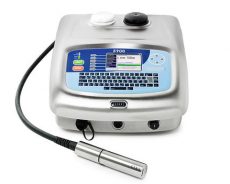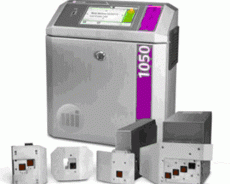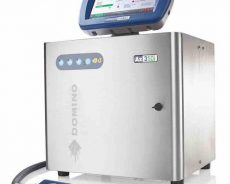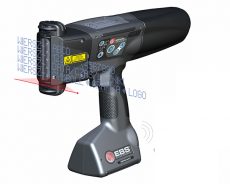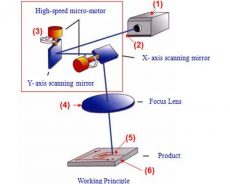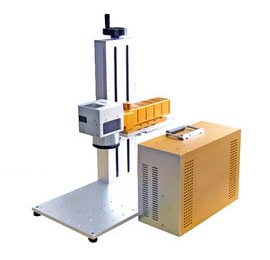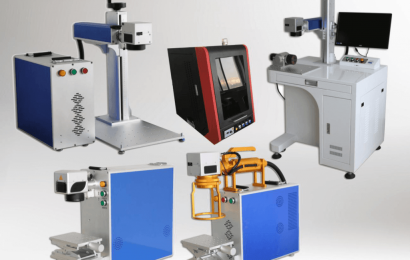

The small character inkjet printer adopts continuous inkjet technology inkjet equipment. Its working principle is that ink droplets undergo different changes through a high-voltage magnetic field, and fly out of the nozzle and fall on the surface of the moving product to form a dot matrix to form text , Numbers or graphics. How are the graphics and text logos printed by the small character inkjet printer edited, and how are the product dates adjusted? The following small character inkjet printer experts will introduce you to the relevant steps. >
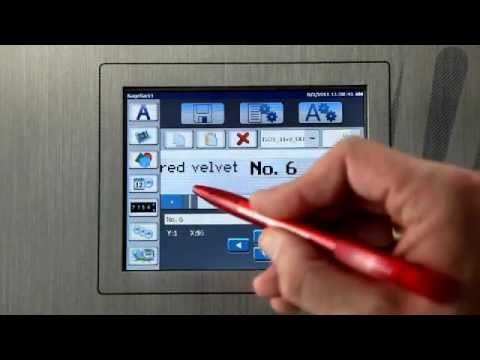
One, text editing operation of small character inkjet printer
In the main menu interface of the small-character inkjet printer, select the group text editing, enter the editing interface, use the keyboard that comes with the inkjet printer or the virtual keyboard on the touch screen to input content, just like computer input, when typing Chinese characters , Generally speaking, it is the Pinyin input method. Save the edited text, then you can spray code.
Second, graphical editing operations
There are two ways to edit small-character graphics. One is to convert existing graphics files into a format that can be recognized by the small-character printer, and the other is to edit graphics directly on the printer interface. /p>
Using the first method, the small character inkjet printer must have a USB flash drive receiving port. For example, you can convert the picture into BMP format and import it into the inkjet printer, then edit, save, and code. If there is no U Disk interface, you can only use the second method to edit in the editing interface. When editing a graph, similarly, first enter the editing interface, select dot matrix editing, and set the number of dot matrix grids according to the size of the pattern you edit. Decompose the graphics into dot matrix graphics, and then input them point by point, just like drawing a cross stitch, edit the graphics. And store, enter the file name of the store
Said for the next call.
Three, date editing operation
It’s easier to edit the date of the small character inkjet printer. In the text editing interface, as if the content you want to edit is 2020-05-23, then directly enter the number 2020 and then enter the symbol-then enter the number 05 and enter the symbol -Next enter 23. If you need the date to correspond to the real-time date, just select the automatic date.