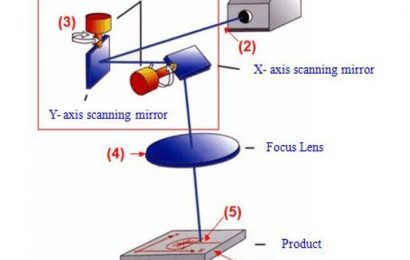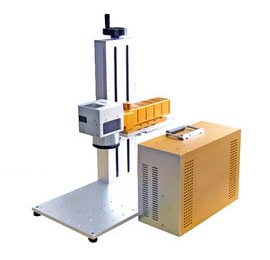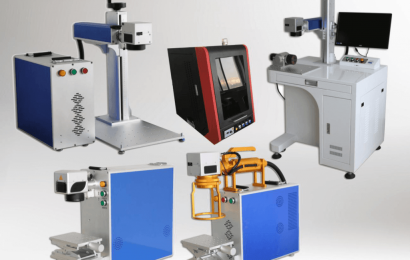

he investment of laser engraving machine is not much, it is very suitable for individuals to open a shop, but the main thing is to determine the source and market of engraving materials. This way, for you who want to start a business, you will be prepared. But how to solve the problem of not emitting light during the use of the laser engraving machine? The reasons and solutions for not emitting light will be introduced below
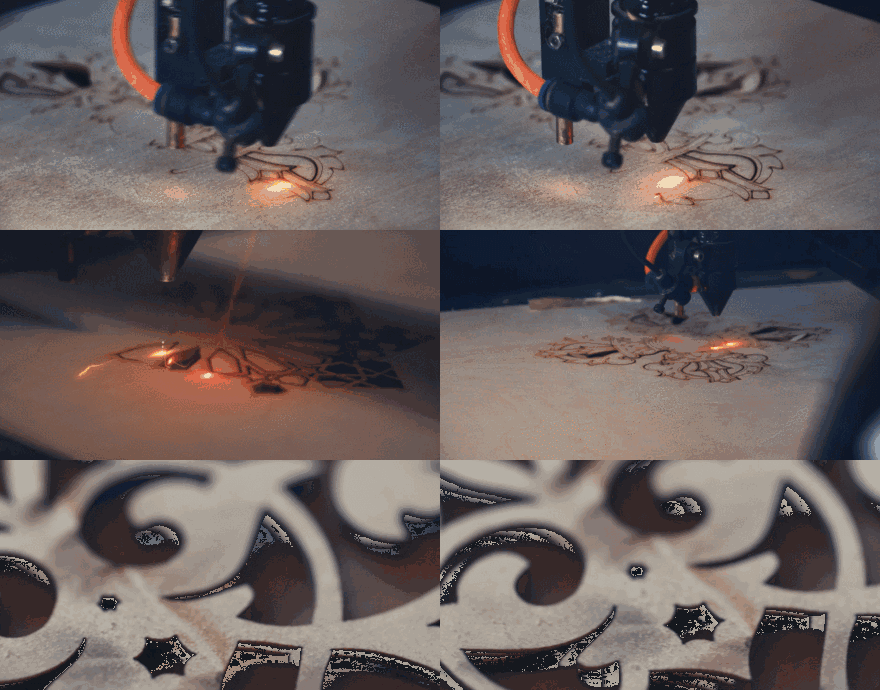
1. First check whether the laser tube itself is illuminated. (Test at the light exit) The laser tube emits light, check whether the lens is damaged and whether the optical path is shifted.
2. The laser tube does not emit light, check whether the water circulation is normal, (check whether the water flow is smooth), if there is no water flow or the water flow is not smooth, clean the water pump and straighten the water pipe.
3. The water circulation is normal. Check whether the laser power calibration is on and the power supply fan rotates. If it does not rotate, replace the laser power supply and replace the laser power supply.
4. Press the laser power point launch button, if there is no laser power or one of the laser tubes is faulty.
5. If the short-circuited water protection signal line still does not light up, the main board or wiring terminal is faulty.
No action at startup
1. The power switch light of the machine is not on. If it does not light up, check the power system or mains fuse.
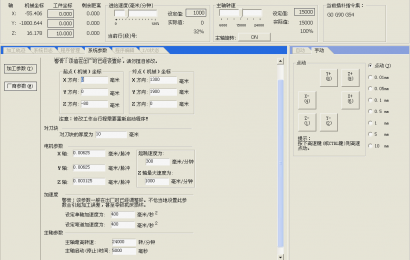
2. If there is a display, please check the motherboard parameters of the new model. If the parameter is incorrect, write the correct parameter.
3. The parameters are correct, there is still no action, the motherboard or the drive is wrong.
Clean and shallow
1. Check the light intensity and alternation during work, the water temperature changes too fast, the light intensity is too small, the water temperature is too high, increase the light intensity, reduce, and replace the circulating water.
2. Check whether the depth of the hook is normal. If it is normal, increase the graphics resolution or scanning accuracy.
3. The hook is still very shallow, or the depth is very shallow, the lens is dirty or damaged, and the light path is shifted.
4. Connect the ammeter to see if the current can reach 20MA, but the depth is still not enough, the laser tube is aging, replace the laser tube.
Sometimes this machine has light, sometimes there is no light
1. Check whether the lens is dirty or damaged, whether the optical path has changed severely, clean or replace the lens, and adjust the optical path.
2. Whether the optical path of the lens is normal, check whether the water circulation is normal, if it encounters water intermittently, clean or replace the water pump, and unblock the water pipe.
3. The water circulation is normal, and the water protection may be faulty, so replace the water protection.
4. If the problem persists, the motherboard, laser power supply and laser tube may all cause this phenomenon. Replace the above accessories and find the reason.
The size of the graphics output is incorrect.
1. Check the actual size of the figure, if there is no problem, change the machine transmission subdivision, press motion, pulse.
The machine reset is not normal
1. The direction is correct when resetting, but when it reaches the tip, the trolley and beam cannot stop (the new machine first check the motherboard parameters, if they are correct), the motherboard and sensor are faulty, and replace it.
2. The beam is reset normally, the trolley is not reset, the tensioner may be stuck or the motor shaft is broken. The parameter is wrong. Replace the tensioner or small motor and modify the parameters.
The machine stopped in the middle, leaking, chasing
1. Check the grounding condition of the machine, measure whether the ground wire meets the standard (the resistance to ground does not exceed 5 ohms), and modify the ground wire to meet the relevant standards.
2. Check whether the computer is set with a screen saver or power saving mode (such as system hibernation or turning off the hard disk). For low-speed and high-speed motherboards, cancel the above settings and change to “Never”.
3. Check the errors in the original graphics, such as crossing, not closing, missing strokes, etc. to correct the errors in the graphics.
4. If there are no such problems in other graphics, then such problems will only occur in specific graphics, the graphics data will be processed incorrectly, and then the rendering will be performed again.
5. This problem still exists. It may be a problem with the computer serial port and the motherboard of the engraving machine
It doesn’t matter if the laser engraving machine can’t operate, you can go to the manufacturer to learn, if you want to know more, you can continue to pay attention to website updates.