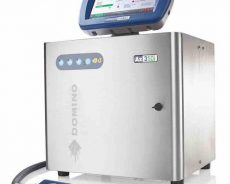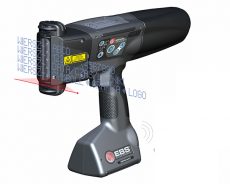

There are many types of marking equipment, including contact printers and non-contact inkjet printers. There is a big difference between suitable occasions and suitable products. Today, I will share with you the correct use of inkjet printers.
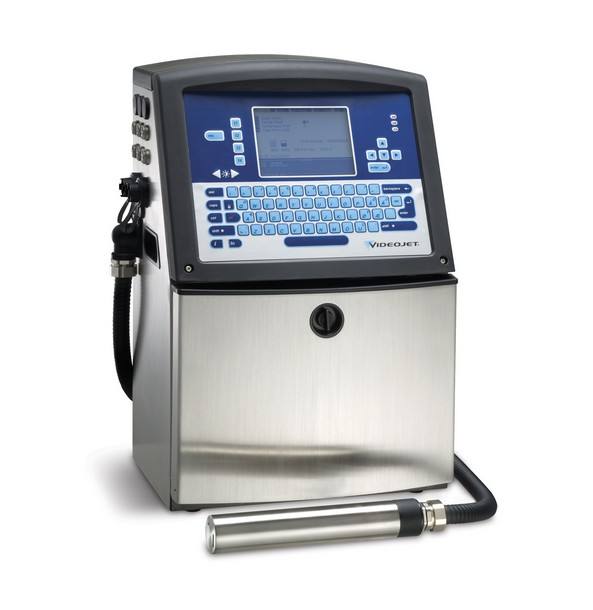
1. How to add ink to the inkjet printer.
First of all, pay attention to distinguish between models and specifications, and do not add errors. Different brands and models of inkjet printers are compatible with different ink and solvent models. The specific formulas have been strictly tested and adjusted by the manufacturer to meet the requirements of machine operation and coding, and not only can achieve clear content coding , But also to ensure the stability and reliability of machine operation.
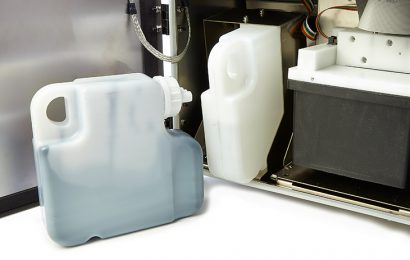
Secondly, the ink and the solvent tank should be distinguished. Do not add the ink to the solvent tank by mistake, and do not add the solvent to the ink tank by mistake. Usually, in response to this situation, the manufacturer will set up an anti-error addition design, that is, the ink addition port. It is different from the solvent addition port size, and consumables that are not matched cannot be added.
Finally, when adding ink or solvent, you must add an appropriate amount. After the machine alarm light is on, we must confirm what is the reason for the alarm, whether the ink is low or the solvent is low, and then add it according to the prompts, add one bottle at a time, remember not to add Too much, leading to overflowing, resulting in waste.
2. How to edit content information for inkjet printer.
Common inkjet printers use a WYSIWYG operation interface, that is, the information seen in the information box on the screen and the actual coding information match each other, which allows us to understand the real-time printing of the machine at a glance. Print information settings.
First of all, we need to clarify all the content of the information that needs to be printed on the product, including English, numbers, symbols, line numbers, etc. For example, if it is a three-line number, we need to create a 24-dot matrix information box first. Edit the information box line by line, and set the height of each line of information to 7 dots.
Secondly, we have to confirm it after editing the information, and then exit and save.
Finally, after the information is edited, we need to adjust the parameters according to the actual size of the product, such as width, delay positioning, flipping, etc., to ensure that the logo can be accurately coded at the specified position of the product, and then mass production.
Inkjet printers will inevitably encounter various problems when they are applied on production lines and assembly lines. How to use them correctly has become a very important matter for factories and production.
Every time the manufacturer installs a new inkjet printer, it will conduct detailed and thoughtful training for on-site operators. At the same time, according to the actual product of the customer and the arrangement of production operators, it establishes operating specifications and drafts SOPs to standardize the production and coding workflow .